
Graphic Design – Level 3
COMPILED FOR TVET / FET NCV GRAPHIC DESIGN STUDENTS.
This page contains the project files for the Graphic Design Level 3 Internal Continuous Assessment (ICASS) Tasks – PAT #1, PAT#2 + ISAT.
Implementation Date: January 2023.
PRACTICAL ASSESSMENT TASK 1 (PAT #1)
A4 Poster Corporate Identity Research:
Using the templates provided, create:
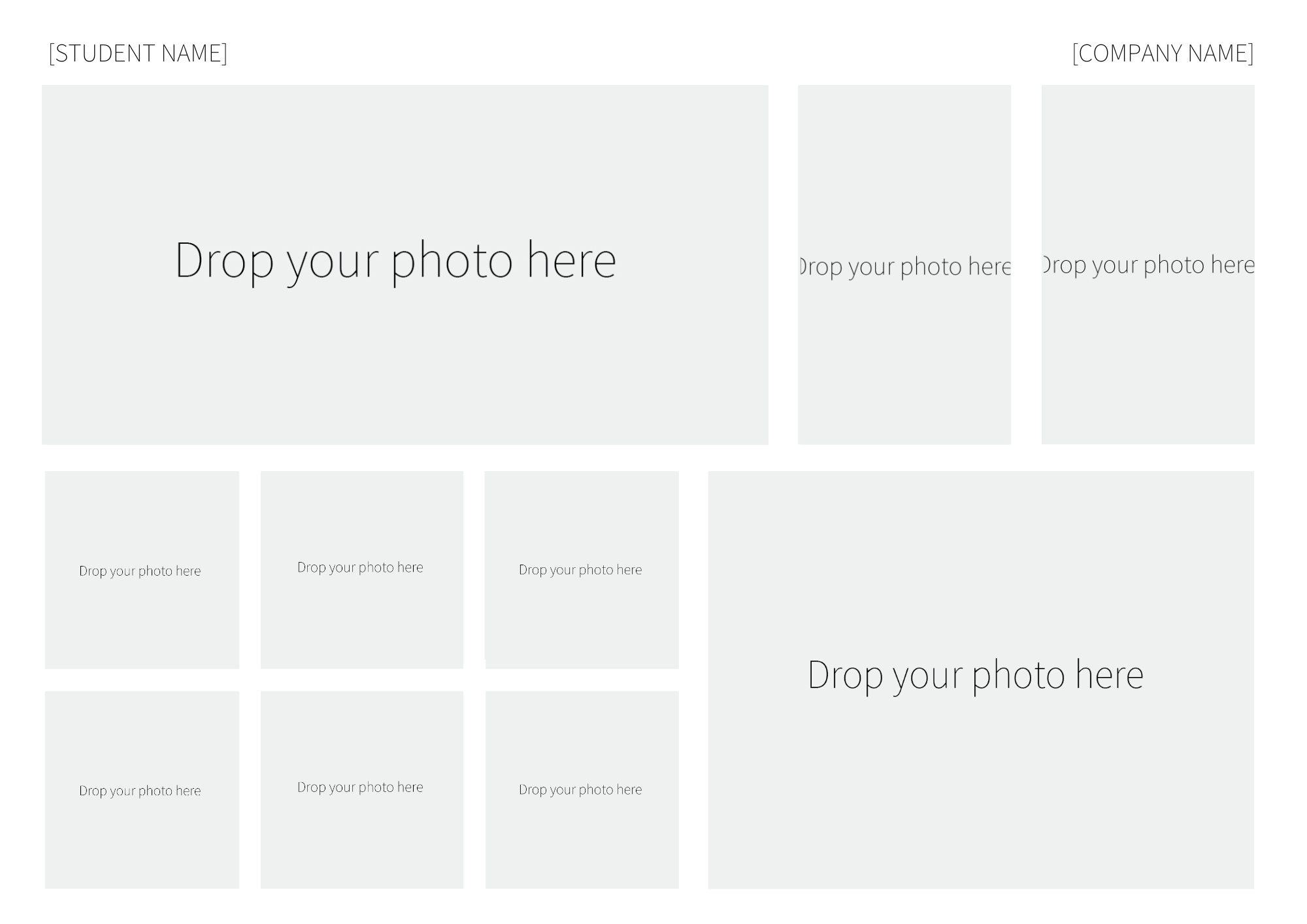
- A4 Poster showcasing the brand elements you collected.
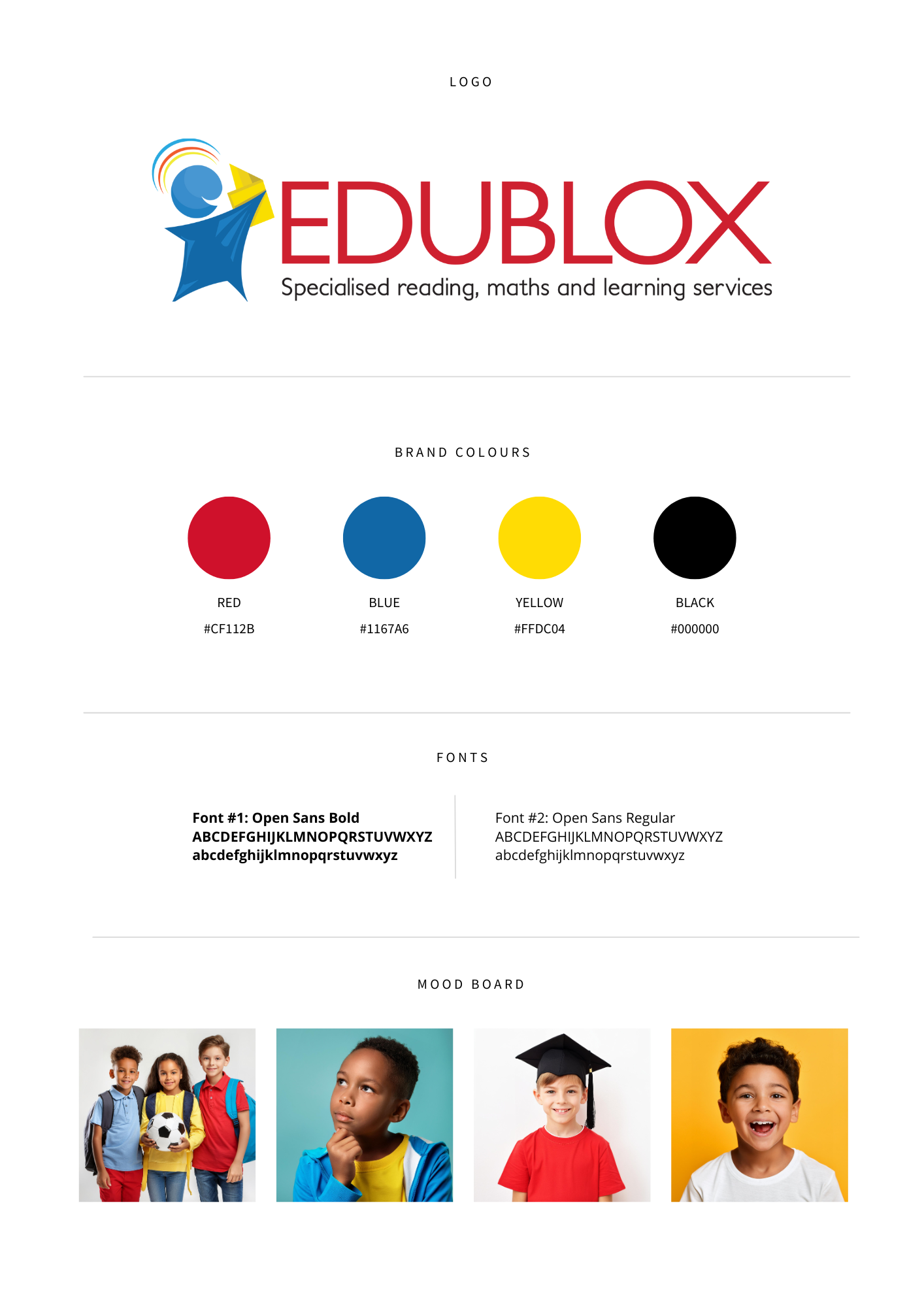
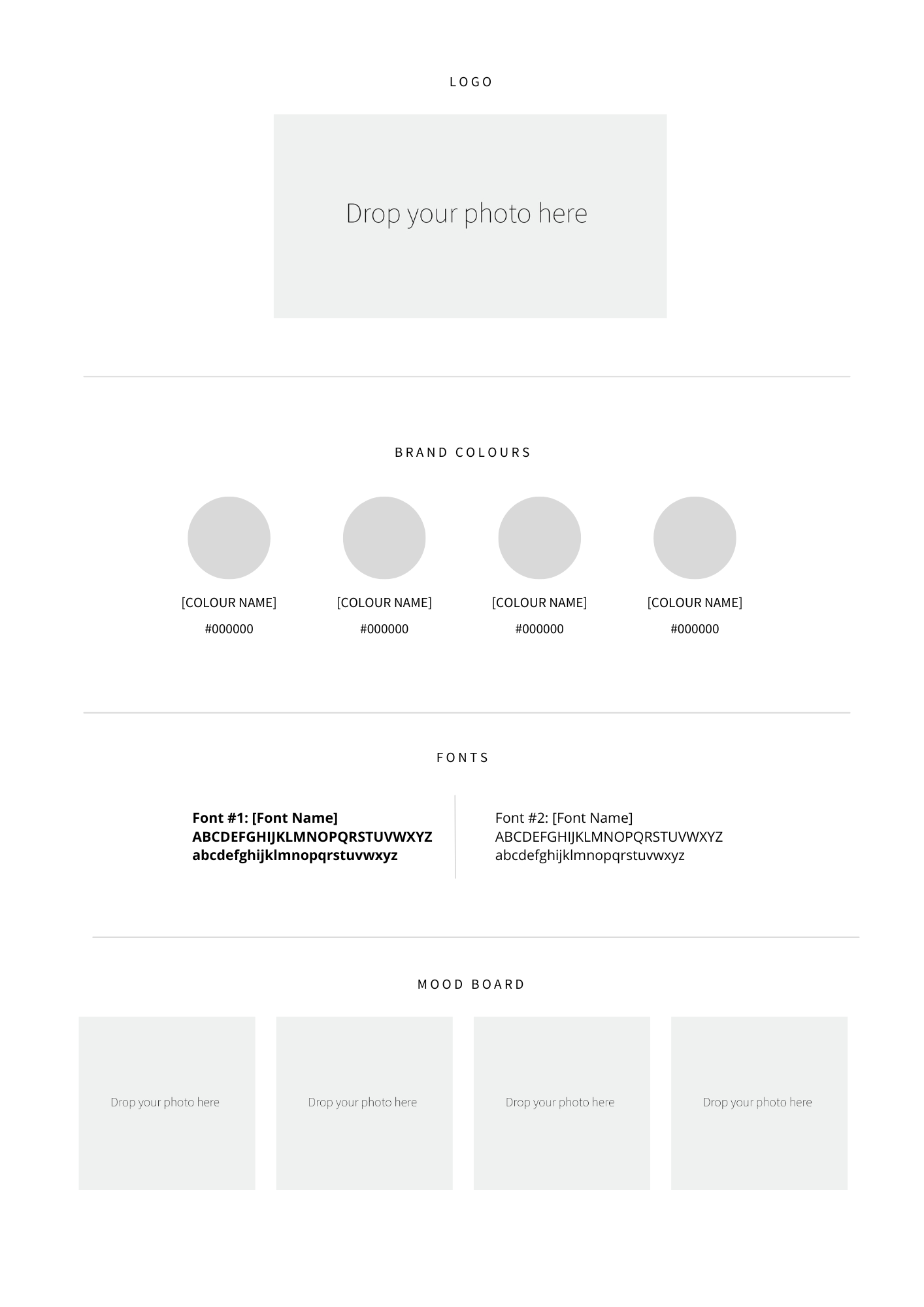
- A Basic Brand Board for the brand you chose
The goal is to show the cohesive whole of the brand through your research and photos.
Example: Something Good Restaurant Brand Elements:

Example: Edublox Franchise Brand Board:
PROJECT TEMPLATES
Notes:
- The instructions below were compiled in April 2025 and may be outdated if any platform changes have occurred since then.
- If the links do not work, or if you don’t have access to Canva or Google Sheets, you can copy the images below and recreate the two templates using your preferred design software.
- For technical support, please email support@ncvgraphicdesign.co.za.
Canva Templates
Template links:
A4 Brand Elements Poster
Brand Board
How to use the Canva templates:
- Click on the link provided.
- Canva will open and show you a preview of the file, with a purple button at the bottom of the screen that says “Use template for a new design”. Click on this button.
- You may need to log in to your own Canva account or be prompted to create one. This should be free.
- You will then be able to make your edits to the template.
- Once you are done, you can click on the “Share” button in the top right corner.
- Click “Download”
- Select your chosen file format (PDF or Jpeg.)
Google Slides Templates
Template links:
A4 Brand Elements Poster
Brand Board
How to use the Google Slides templates:
- Click on the link provided. (Google Slides will open; you might have to log in with your Google account, or be prompted to create one.)
- Then, in the main menu, select “File”.
- Next, select “Make a copy”.
- Proceed to make your edits.
- When you are finished with your edits, go to “File”
- Next, select “Download”.
- Save the file in the format required (JPEG or PDF).
FILES FOR THE PRACTICAL ASSESSMENT TASK 2 (PAT #2) +
INTEGRATED SUMMATIVE ASSESSMENT TASK (ISAT)
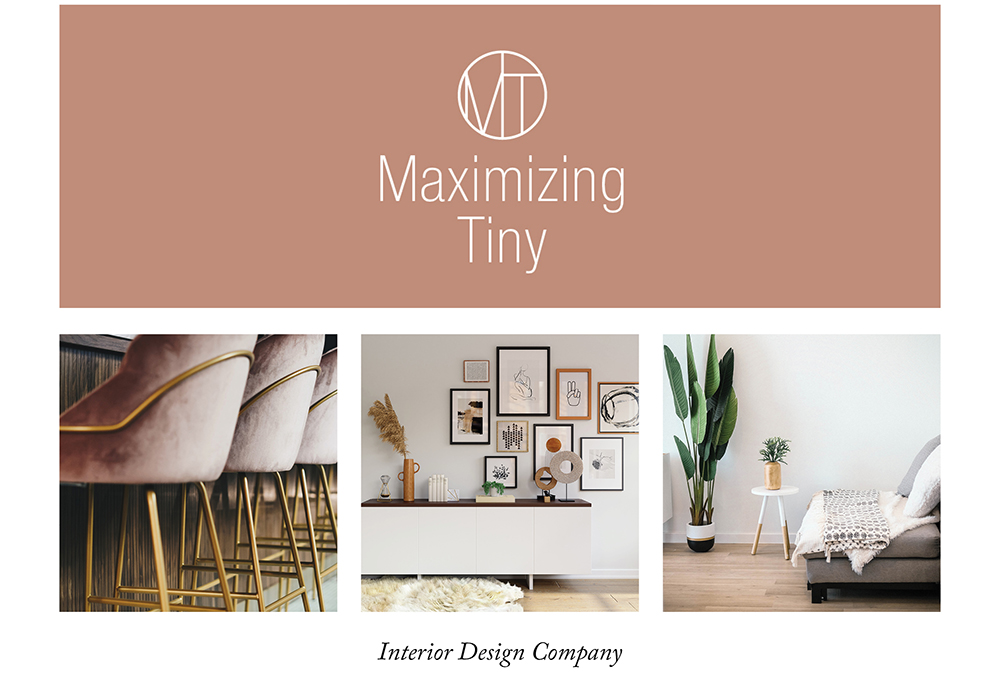
Files included for each project option:
Brand Inspiration Board
Brand Board
Logo Files
Photos
Wording for brochure
Options below.
Option 1:

Click the button below to download zipped files for this option:
Option 2:

Click the button below to download zipped files for this option:
Option 3:

Click the button below to download zipped files for this option:
Option 4:
Click the button below to download zipped files for this option:
Option 5:

Click the button below to download zipped files for this option: